PORT CARVERTON IS CALLING
Skate 3. In your browser.
Drop into the fan game, find your controls and build your next line.
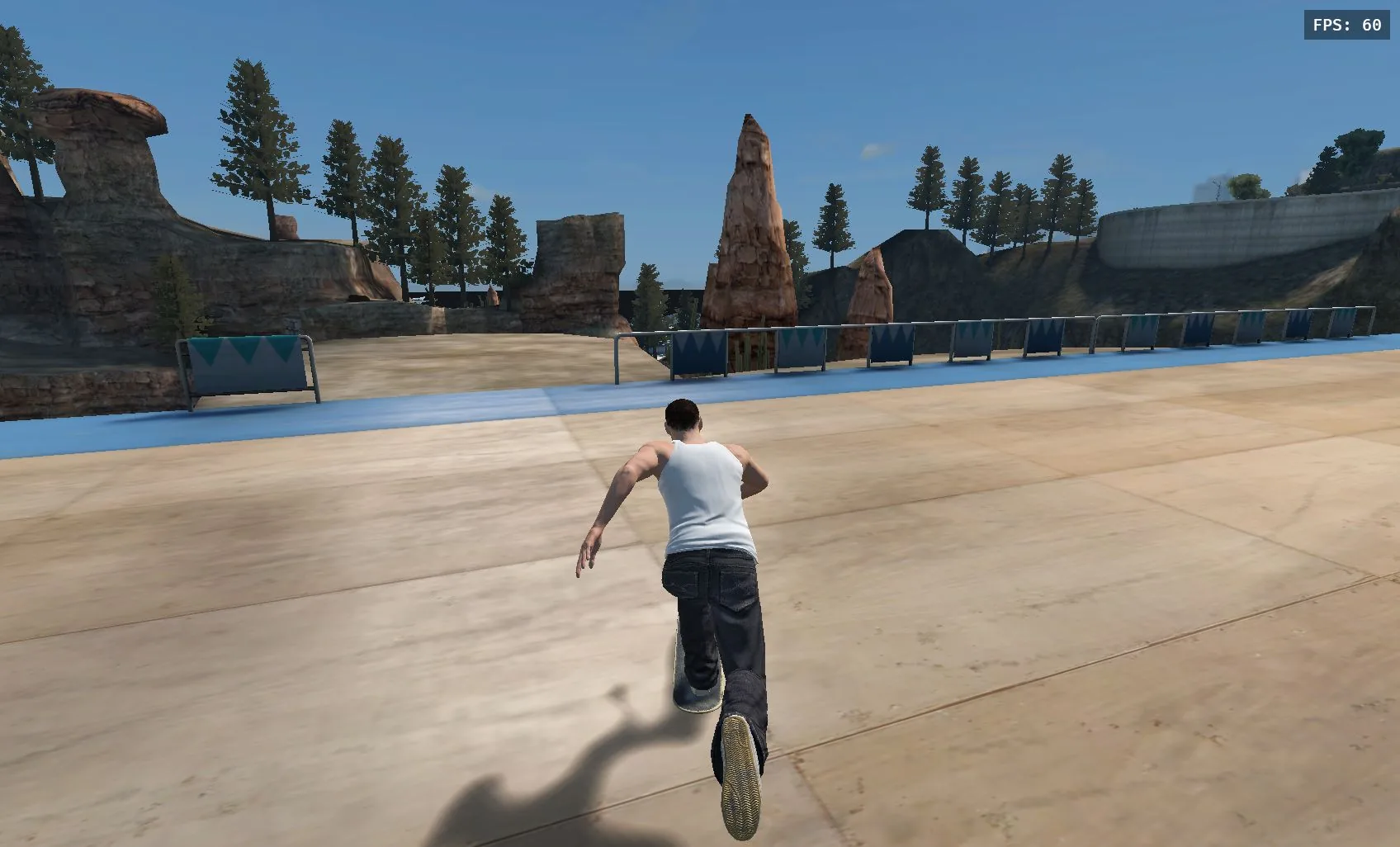 SKATE 3 / BROWSER FAN GAME
The unofficial project asks for your own legally owned, converted Skate 3 copy. Read its launch notice. First downloads can be large; keep the game tab open.
Loading help →LESS MENU TIME. MORE SKATE TIME.
Find your next move
Your first session
From the first loading screen to your first push in Port Carverton.
Read guideControls & keybinds
The exact inputs for pushing, steering, FlickIt and the pause menu.
Read guideLearn your first tricks
Build a clean line with a push, an ollie and a controlled landing.
Read guideFix loading problems
Match the screen you see to the next useful step.
Read guideMobile & Lite Mode
Touch controls, lighter graphics and a sensible first world for your phone.
Read guideSkate with friends
Find ONLINE, share a session code privately and meet up in the game.
Read guidePICK A SPOT
From warm-up parks
to the big city.
University, Downtown, Industrial and smaller skate parks are a World menu away.
Explore the worldsA FEW THINGS TO KNOW
Before the next session
Is this an official EA game?
The linked browser project is an unofficial fan game. Skate Browser is an independent guide and launcher site. Neither is presented as an official EA or Black Box product.
Why does the first load take so long?
The browser loads the engine and game data. Large city worlds can require hundreds of megabytes. Keep the tab open while the download counter moves. Find your loading fix.
Can I play on a phone?
The project has touch controls and Lite Mode, but device and WebGPU support vary. Try a smaller park first. Read the mobile guide.
Which browser version do these guides cover?
These guides cover skate.aaddpp.lol. Other Skate 3 browser and native projects have their own setup and controls. Compare the projects.